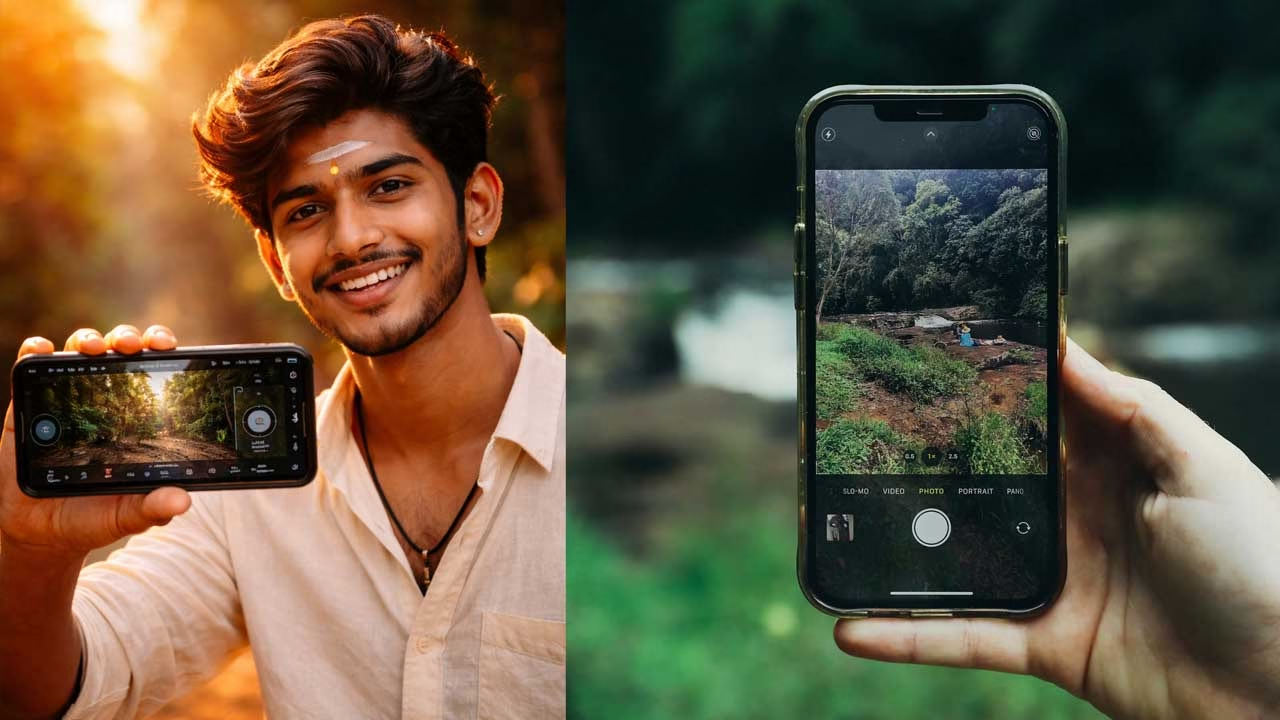
The first thing that stood out wasn’t the footage—it was the control. Opening the app felt less like launching a mobile tool and more like stepping into a compact cinema camera interface. Instead of simplifying everything, it presents controls upfront and expects you to use them. That shift alone changes how you approach shooting.
Built Around Professional Camera Logic
Most mobile apps are designed to hide complexity, but this one brings it forward. It follows the same control structure used in professional digital film cameras. During my testing, this made a clear difference. I wasn’t reacting to automatic changes anymore—I was deciding how the image should look before recording even started.
Interface That Prioritizes Speed Over Simplicity
At first, the layout feels dense. But once you understand it, the speed advantage becomes obvious. Settings like frame rate, shutter angle, ISO, and white balance are accessible in a single tap. There’s no need to dig through menus. After a few sessions, adjusting exposure becomes faster than in typical mobile camera apps.
Consistency That Improves Editing
One of the biggest benefits is stability. When settings are locked, the image stays consistent. I tested this in mixed lighting environments, and the results were noticeably better. Instead of correcting exposure shifts in editing, the clips already matched. This reduces editing time and improves overall output quality.
Image Processing Designed for Flexibility
The footage doesn’t try to look overly polished. It holds detail rather than aggressively enhancing it. Colors appear controlled, highlights are softer, and shadows retain information. When I edited the clips later, they responded better to adjustments. This is where it starts feeling like professional footage rather than standard phone video.
High-Resolution Recording That Expands Possibilities
Recording in higher resolutions, even up to 8K, gives more flexibility during editing. Cropping, reframing, and stabilizing footage becomes easier without losing quality. However, this also means larger file sizes. Storage becomes something you actively manage, especially if you shoot frequently.
Cloud Workflow That Changes Everything
One feature that stands out is direct recording to Blackmagic Cloud. Instead of manually transferring files, footage can be uploaded instantly. In real usage, this means editors can access clips almost immediately in DaVinci Resolve. It removes delays and makes collaboration smoother, especially for teams working remotely.
Designed for Collaborative Projects
This cloud integration doesn’t feel like a simple add-on. It changes the entire workflow. Shooting on a phone and having footage ready for editing elsewhere creates a seamless connection between capture and post-production. It brings a level of efficiency that typical mobile apps don’t offer.
Audio Control That Matches Video Quality
Audio handling is often ignored in mobile apps, but not here. Manual level adjustments and monitoring tools make a noticeable difference. When recording dialogue, the audio remained consistent and required minimal correction later. It feels like audio is treated as part of the production, not an afterthought.
Why Many Creators Are Searching for This Camera App
Many creators are now searching for Blackmagic Camera app download because it offers DSLR-like control directly on smartphones. For users looking for the best professional camera app, this tool provides a strong balance between control and mobility. It allows creators to produce high-quality content without relying on expensive equipment, making it a practical choice for mobile filmmaking.
Where It Fits in Everyday Content Creation
For creators on platforms like YouTube or Instagram, the difference becomes clear over time. Clips look more consistent, colors feel natural, and editing becomes easier. It’s not about adding effects—it’s about capturing better footage from the start. This approach saves time and improves overall content quality.
Limitations That Still Matter
Despite its strengths, the app still depends on the phone’s hardware. Low-light performance is limited by the sensor, and long recording sessions can cause heating. It also requires time to learn, especially for users new to manual controls. This is not built for quick, casual shooting—it’s designed for intentional use.
Download Camera App
If you are looking for the Blackmagic Camera app download, you can install it directly from the official app store. This professional camera app is free to download and is designed for creators who want full control over video recording on their smartphones. Over time, using it doesn’t just improve your footage—it changes how you think about capturing it.