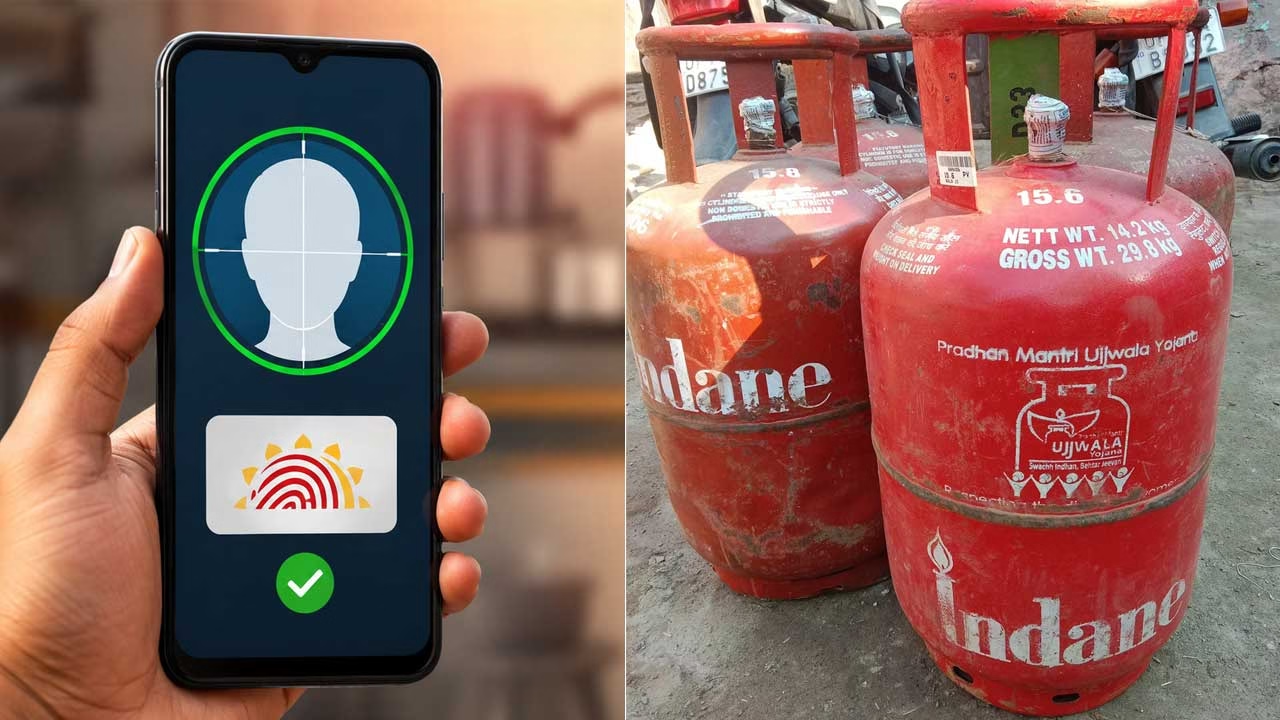
Your LPG connection is increasingly connected to digital identity verification, and eKYC has become an important way for oil companies to authenticate the actual consumer associated with a domestic gas connection. The current self-service process allows eligible LPG consumers to complete Aadhaar-based face authentication from a smartphone instead of depending entirely on a visit to the distributor. The government’s LPG portal specifically provides instructions for completing face-based Aadhaar authentication using the oil company’s mobile application along with the Aadhaar FaceRD application.
What Is LPG eKYC and Why Is It Done?
LPG eKYC is an electronic verification process used to confirm the identity details associated with a gas connection. Instead of submitting only physical documents, the consumer can authenticate their identity using Aadhaar-based verification. This helps the LPG provider maintain accurate customer records and distinguish genuine connections from outdated or incorrectly maintained records. Aadhaar-based e-KYC is also designed to allow identity information to be verified digitally rather than relying entirely on paper documentation.
How Aadhaar Face Verification Works
The newer process uses facial authentication rather than requiring the consumer to visit a gas agency solely for biometric verification. The LPG company’s application initiates the authentication process, while the Aadhaar FaceRD application performs the required face-based operation. Aadhaar FaceRD is not designed to function like an ordinary standalone app that users open and operate independently; it is invoked by an authorised application during the authentication process.
What You Need Before Starting eKYC
Keep the mobile phone associated with your LPG account and Aadhaar details ready before beginning. You should also install the official application belonging to your LPG provider and the official Aadhaar FaceRD application when required. A stable internet connection and a functioning front camera can make the face verification process easier. During face capture, UIDAI advises keeping the complete face visible, looking directly toward the camera and remaining still until the authentication is completed.
Indane Gas eKYC Through IndianOil ONE
Consumers with an Indane LPG connection can use the IndianOil ONE application for LPG-related services. The official application supports LPG cylinder booking and other account-related functions, while the government’s eKYC instructions identify the oil company application as part of the self-service Aadhaar authentication process. After signing into the relevant LPG account, follow the eKYC option provided by the application and complete the requested Aadhaar face authentication.
Bharatgas eKYC and LPG Services
Bharatgas customers should use the official BPCL LPG service channels rather than downloading an unrelated application claiming to provide KYC services. Bharatgas services include LPG booking and KYC-related facilities, while BPCL’s official application provides access to LPG services for its customers. The exact screens and menu names can change when the application is updated, so users should follow the eKYC instructions displayed inside the current official application rather than relying on an old screenshot or video.
HP Gas eKYC Through HP PAY
HP Gas customers can use the HP PAY application for LPG-related services and eKYC functionality. HPCL has also published information about completing LPG connection eKYC through HP PAY from home. Once the LPG section and eKYC facility are opened, the application can guide the customer through consent and face-capture steps required for authentication.
Official LPG and Aadhaar App Links
For safety, download applications only from official app stores or government and oil-company websites. IndianOil ONE is the official application for Indane customers, Hello BPCL provides Bharatgas services, HP PAY provides HPCL services, and Aadhaar FaceRD is the UIDAI application used for face authentication. Avoid installing applications with similar names from unknown developers because LPG and Aadhaar verification involves sensitive personal information.
Aadhar App Download
Indane Gas App Download
HP Gas App Download
Bharat Gas App Download
A failed face scan does not necessarily mean that your LPG connection has been cancelled or that your Aadhaar details are incorrect. Check whether the camera has a clear view of your face, move to a place with suitable lighting, remove anything covering the face and remain still during capture. If the authentication continues to fail, use the LPG provider’s official customer-support or distributor channel rather than repeatedly entering personal information into third-party websites or applications.
Before beginning the process, consumers should also understand that online information about LPG eKYC can sometimes exaggerate the consequences of not completing it immediately. Requirements and service procedures can vary according to the connection and current instructions from the concerned oil marketing company. The safest approach is therefore to check the official LPG application or government portal for the latest status of your connection and complete verification through an authorised channel when requested. The official My LPG portal also provides consumer services and KYC-related information.